Description
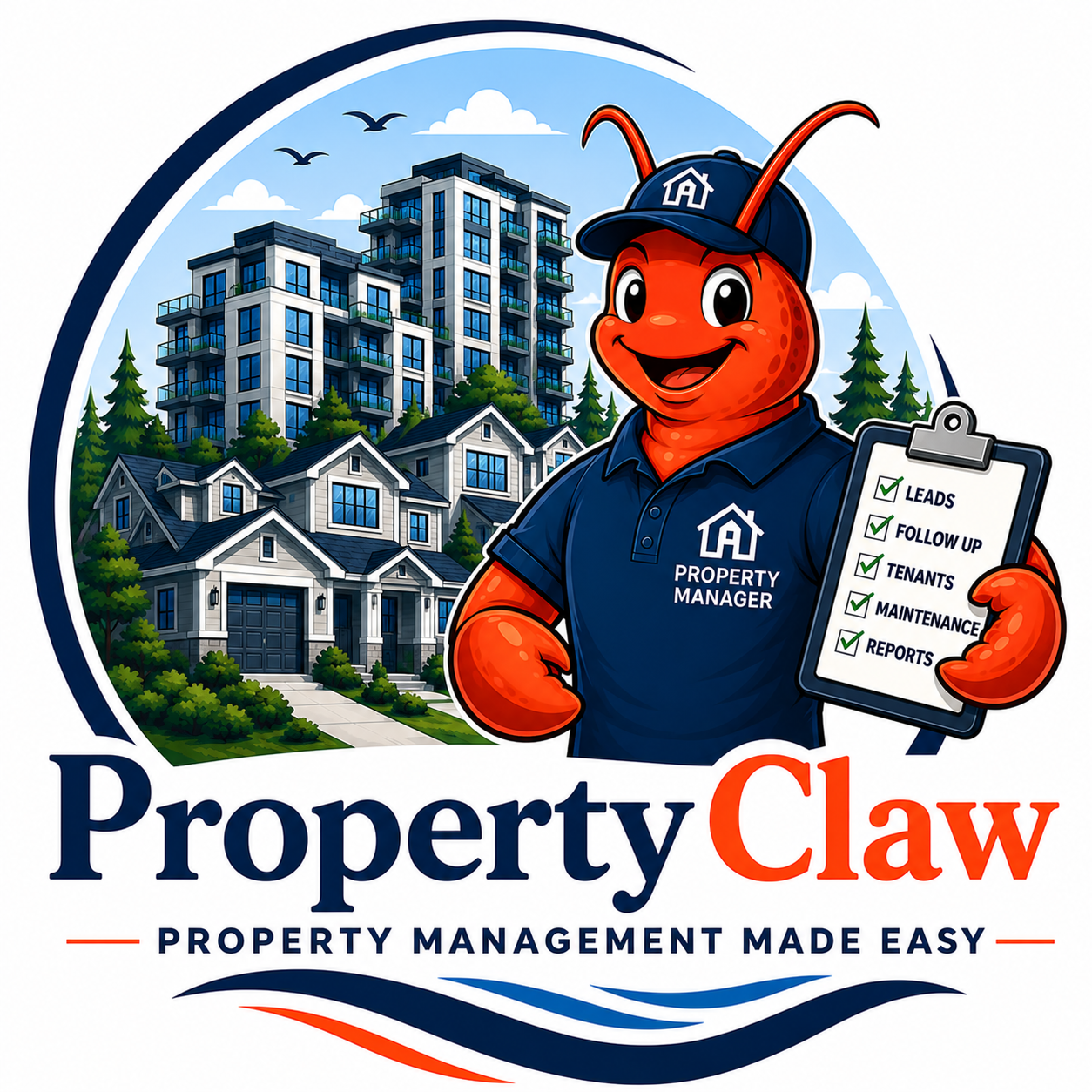
PropertyClaw in real life
Tenant messages at 11 PM. Maintenance requests at 6 AM.
PropertyClaw keeps tenant, owner, vendor, and maintenance details organized before your staff even starts the day.
Every missed call, slow quote, or forgotten follow-up is a chance for the customer to move on. Your Claw helps catch the request, organize the details, and remind the right person what needs attention.
Staff still make the decisions. The Claw keeps the work from disappearing.
If this feels familiar: seller or buyer leads, open house notes, tenant/vendor issues, client promises, and property tasks are buried across inboxes, calendars, CRMs, portals, and long threads.
PropertyClaw helps by: capturing lead and task details, summarizing threads, resurfacing stale items, drafting follow-up, tracking vendor/tenant issues, supporting CRM/calendar reminders, and preparing weekly unresolved-item reports.
Best fit: real estate agents, small broker teams, property managers, strata or condo managers where appropriate, rental managers, and investor/property-owner service companies.
Integration examples: Integration targets can include property-management systems such as AppFolio, Buildium, Yardi Breeze, Rent Manager, Propertyware, DoorLoop, plus email, calendar, CRM, forms, and Slack/Teams-style handoff channels. Specific integrations depend on plan access, APIs, exports, permissions, and approval rules confirmed in the Readiness Session.
PropertyClaw in real life
Maintenance requests stop living in five different places
For property and strata managers, the pain is dozens of small threads: tenants, owners, vendors, council notes, photos, approvals, and follow-up.
A tenant reports a leak.
The request is captured with the right details, organized for staff review, and routed toward the next human decision instead of sitting in an inbox.
A vendor needs context.
Photos, notes, address details, and owner constraints are easier to find before another call or email has to happen.
Owners ask for updates.
The system helps keep a clean trail of what happened, what is pending, and what needs approval.
Common questions
Can PropertyClaw help with tenant maintenance requests?
Yes. PropertyClaw can help capture requests, organize details, route work to the right person or vendor, and keep follow-up visible.
Is this for rental or strata management?
PropertyClaw can fit rental managers, strata managers, and property teams that handle repeating inquiries, maintenance, owner updates, and admin follow-through.
Does PropertyClaw replace property management software?
Usually no. It is built to organize workflow around your actual process and can support the tools your team already uses where practical.
Shipping: Full Build systems include a new approved Lenovo, HP, or Dell business-class mini PC configured for your workflow. Island Workflow prioritizes Vancouver Island businesses, but systems are available to ship to Canada, the United States, and the United Kingdom. Standard insured shipping within Canada is included; US/UK insured shipping, expedited delivery, special handling, duties, taxes, import fees, and any unusual delivery requirements are quoted or confirmed separately before fulfillment.
Where PropertyClaw stays out
Tenant screening based on protected grounds, tenancy decisions, real estate legal advice, credit checks without consent, fair-housing-sensitive judgements, and final lease/contract approvals stay with your team and the appropriate licensed professionals. PropertyClaw organizes leads, follow-up, and intake; it does not decide who gets a home. Full version at /compliance/.
Your Claw can help update your website, too
With the right website host, CMS, WordPress, WooCommerce, or admin access, Island Workflow can connect your Claw so approved changes can be drafted, reviewed, and published without waiting on a developer for every small update.
That can include FAQ changes, chatbot or assistant answers, service-page copy, product updates, lead forms, booking or intake flows, offer pages, analytics events, and private admin workflows. During Readiness we confirm access, backups, permissions, approval rules, and which changes must stay human-approved before anything is connected.

What gets confirmed after the workflow is clear
Once the business problem is mapped, we confirm the tools, access, hosting path, hardware where included, and approval rules that make the Claw safe to run.
Included hardware and shipping: every Full Build includes a new approved Lenovo, HP, or Dell business-class mini PC configured for your workflow, plus standard insured shipping within Canada. Vancouver Island handoff may be available; US/UK insured shipping, expedited delivery, special handling, duties, taxes, import fees, and unusual delivery requirements are quoted or confirmed separately before fulfillment.
Basic organizes the mess. Pro keeps things moving. Full Build supports the whole workflow.
Choose your PropertyClaw setup
Every PropertyClaw requires a paired Runtime package for at least 12 months. Setup builds and configures the Claw. Cloud hosting keeps it online, backed up, monitored, and available. Runtime is the working capacity your Claw uses to read, reason, summarize, prepare handoffs, and keep approved follow-up moving.
CA$2,500 setup + CA$99/mo Cloud hosting
Organizes the work: Tenant, owner, vendor, and maintenance inquiries become clean summaries instead of scattered texts and emails.
- One main intake channel
- Guided questions and clean summaries
- One handoff destination
- Basic FAQ/KB answers
- Weekly summary
CA$4,500 setup + CA$199/mo Cloud hosting
Keeps things moving: Recurring follow-up, maintenance routing, owner/tenant separation, and overdue-response reminders keep requests moving.
- 2–3 intake channels
- Better KB/content refresh
- Routing rules and reminders
- Daily/live visibility
- Light curated integrations
CA$7,500 Full Build + required Runtime
Supports the whole workflow: Full Build becomes obvious when PropertyClaw needs private tenant records, owner/vendor approvals, property-management-system depth, emergency rules, or internal team workflows.
- Dedicated private Claw depth
- Approved self-hosted hardware where included
- Deeper integrations
- Custom workflows
- Broader privacy/control
Start with Readiness if unsure. We confirm whether Basic, Pro, or Full Build fits before you buy the wrong depth.
Also from Island Workflow: cinematic property reels made from your listing photos – see the demos.


 Island Workflow
Reviews
There are no reviews yet.