Services
Island Workflow Claws for the work that keeps slipping.
You do not need “AI” for its own sake. You need missed calls caught, quote follow-up visible, booking questions answered, admin overload reduced, and a team that can see what needs attention next.
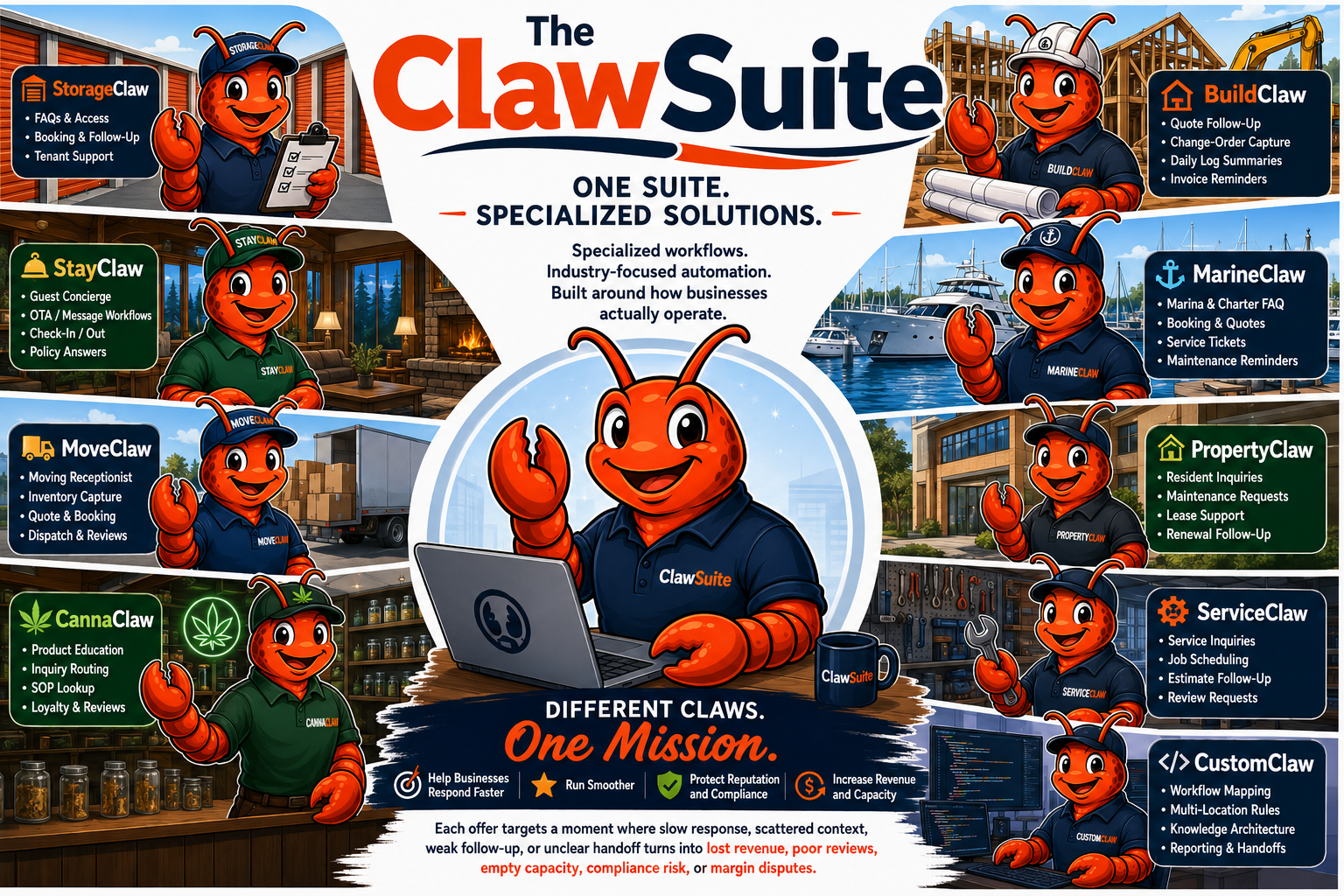
We call each business-specific workflow helper a Claw because it is built to grip one costly workflow problem and keep it from sliding out of view.
What powers a Claw behind the scenes
First, we map the business problem: missed calls, slow quote follow-up, scattered messages, booking gaps, repeated questions, or staff time lost rebuilding context by hand.
Behind the scenes, OpenClaw is the platform layer we build with. PropertyClaw, ServiceClaw, StorageClaw, CallClaw, and the rest of the suite are Island Workflow product names for business-specific systems with approved tools, channels, knowledge, schedules, memory, and human-review rules.
In plain English: your Claw helps catch the request, organize the details, prepare the next step, and remind the right person what needs attention. Staff still make the decisions. The Claw keeps the work from disappearing.
What a Claw does
Capture, route, follow up, and escalate.
Capture
Pull calls, forms, booking requests, emails, texts, documents, and internal notes into a clearer working flow.
Route
Separate routine items, urgent items, sensitive questions, and owner-only decisions using rules your team approves.
Follow up
Keep quotes, tours, bookings, reviews, invoices, unresolved tasks, and client promises moving with a repeatable cadence.
Choose your Claw
Pick the pressure point your team already recognizes.
PropertyClaw

If leads, client promises, tenant/vendor issues, or property tasks are buried across tools, PropertyClaw helps surface the next action before it goes cold.
Works with tools like: Integration examples: AppFolio, Buildium, Yardi Breeze, Rent Manager, Propertyware, DoorLoop, email, calendar, CRM, forms, and Slack/Teams handoffs.
Starts with Readiness. Cloud and Full Build setup paths are available after fit is confirmed.
ServiceClaw
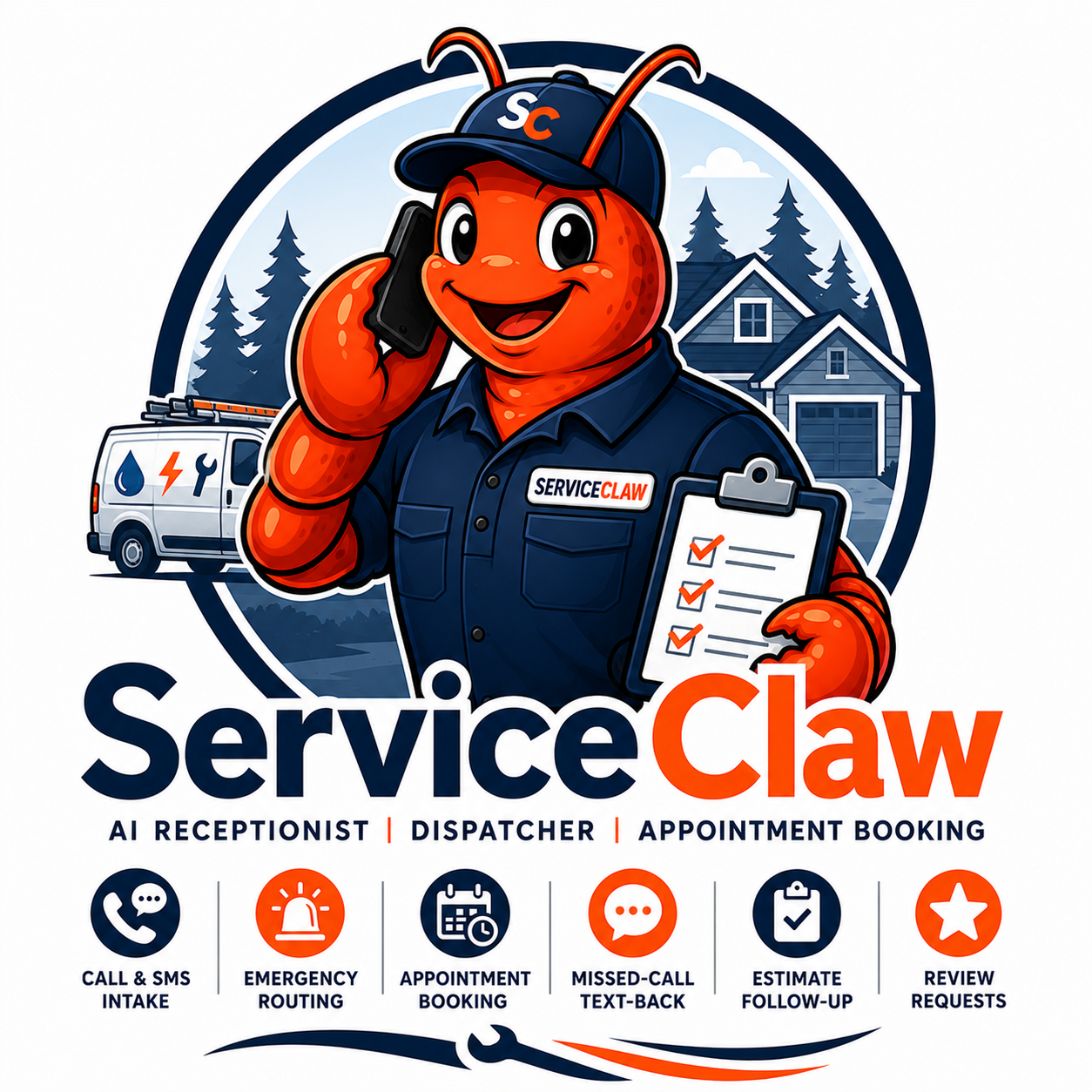
If paid leads, referrals, and emergency calls are being missed or followed up too slowly, ServiceClaw helps turn attention into booked work.
Works with tools like: Integration examples: Jobber, Housecall Pro, ServiceTitan, FieldEdge, Service Fusion, ServiceM8, QuickBooks, calendars, phone/SMS providers, and team-chat alerts.
Starts with Readiness. Cloud and Full Build setup paths are available after fit is confirmed.
Phone and text workflows: where your approved phone/SMS provider supports it, your Claw can help respond to missed calls, voicemails, after-hours messages, or SMS inquiries. Provider number, messaging, carrier, compliance, and usage fees remain separate from Island Workflow pricing.
CallClaw
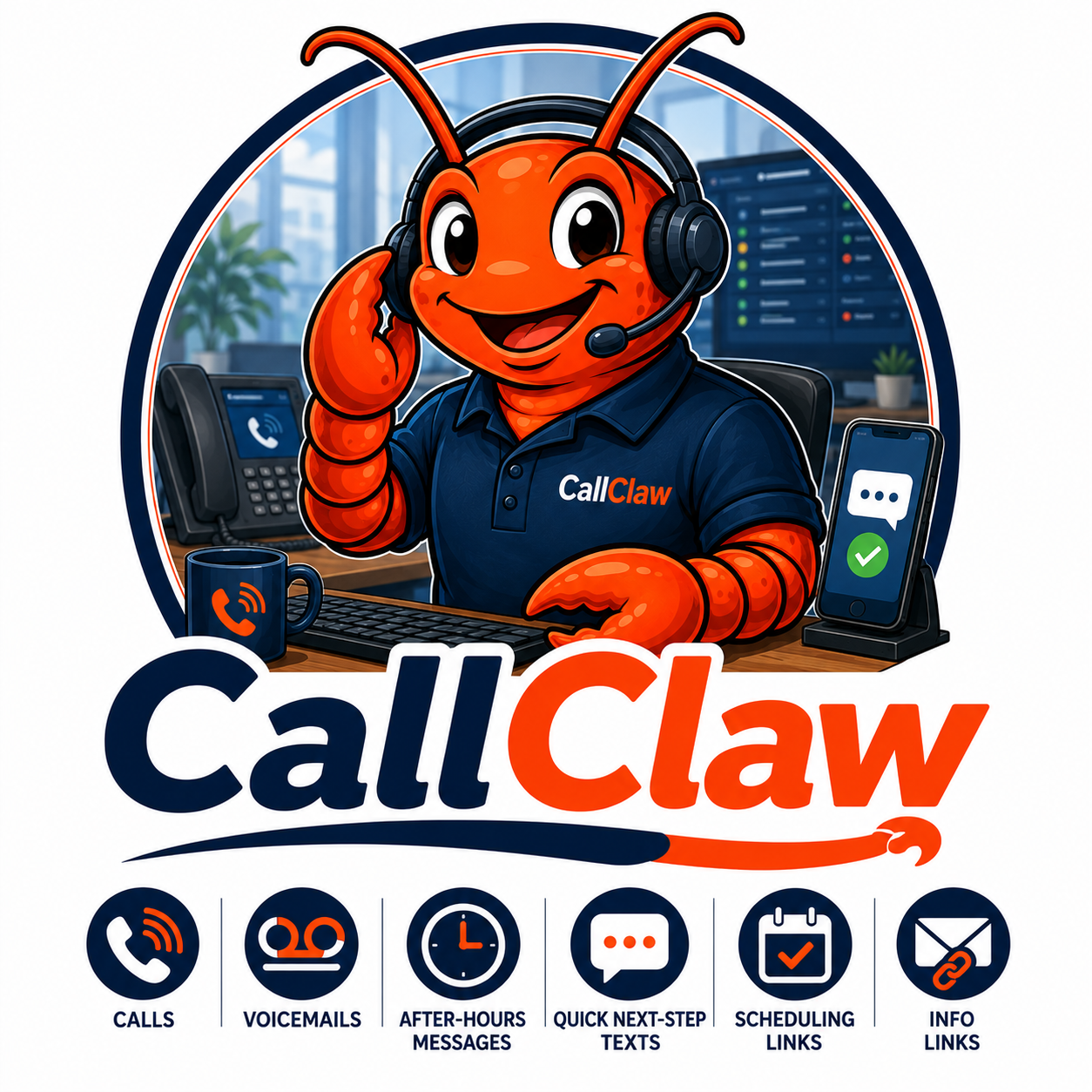
If calls, voicemails, after-hours messages, and quick next-step texts are falling through the cracks, CallClaw helps capture the request and send approved scheduling or information links.
Works with tools like: Integration examples: Twilio, Telnyx, OpenPhone/Quo, RingCentral, Dialpad, Aircall, Google Voice transcript fallback, CRM tools, calendars, and Slack/Teams handoffs.
Starts with Readiness. Cloud and Full Build setup paths are available after fit is confirmed.
Phone and SMS note: CallClaw depends on an approved phone/SMS provider such as Twilio, Telnyx, OpenPhone, RingCentral, Dialpad, or a similar system. Provider number, carrier, messaging, compliance, and usage fees are separate.
MediClaw
If clinic phones, intake forms, appointment requests, referral notes, and admin emails are overwhelming staff, MediClaw helps organize the front-desk workflow while leaving clinical decisions with qualified humans.
Works with tools like: Integration examples: Jane App, SimplePractice, Accuro, Oscar Pro, approved EMR/practice systems, booking calendars, email, phone/SMS, and staff handoff channels, with medical/privacy boundaries.
Starts with Readiness. Cloud and Full Build setup paths are available after fit is confirmed.
Medical boundary: MediClaw is for administrative intake, routing, summaries, and scheduling support. It does not diagnose, provide medical advice, make triage decisions, or replace clinic staff.
StorageClaw
If unanswered storage inquiries become empty units, StorageClaw helps answer questions, guide sizing, prepare tours/reservations, and follow up.
Works with tools like: Integration examples: SiteLink/Storable, storEDGE, Storable Easy, Storage Commander, Tenant Inc/Hummingbird, Storeganise, email, forms, payments, and access-control handoffs where available.
Starts with Readiness. Cloud and Full Build setup paths are available after fit is confirmed.
Phone and text workflows: where your approved phone/SMS provider supports it, your Claw can help respond to missed calls, voicemails, after-hours messages, or SMS inquiries. Provider number, messaging, carrier, compliance, and usage fees remain separate from Island Workflow pricing.
StayClaw
If guest questions and booking messages interrupt staff or cost reviews, StayClaw helps keep approved answers, policies, and escalations clear.
Works with tools like: Integration examples: Airbnb, Vrbo, Booking.com, Guesty, Hostaway, Lodgify, OwnerRez, Hospitable, Hostfully, Smoobu, Cloudbeds, Breezeway, Turno, email, calendars, and guest-message workflows.
Starts with Readiness. Cloud and Full Build setup paths are available after fit is confirmed.
MoveClaw
If moving quotes depend on fast replies and complete details, MoveClaw helps capture the job, organize inventory/timing, and keep the booking warm.
Works with tools like: Integration examples: SmartMoving, Supermove, Movegistics, MoveitPro, Movepro, Vonigo, QuickBooks, calendars, maps, phone/SMS providers, and team dispatch channels.
Starts with Readiness. Cloud and Full Build setup paths are available after fit is confirmed.
Phone and text workflows: where your approved phone/SMS provider supports it, your Claw can help respond to missed calls, voicemails, after-hours messages, or SMS inquiries. Provider number, messaging, carrier, compliance, and usage fees remain separate from Island Workflow pricing.
BuildClaw
If project communication, RFIs, invoices, change-order signals, and document handoffs are hard to track, BuildClaw helps protect margin.
Works with tools like: Integration examples: Procore, Buildertrend, JobTread, Autodesk Construction Cloud, Houzz Pro, QuickBooks/Xero, shared drives, email, calendars, and Slack/Teams project channels.
Starts with Readiness. Cloud and Full Build setup paths are available after fit is confirmed.
FarmClaw
If crop tasks, greenhouse notes, harvest records, staff SOPs, buyer follow-up, compliance items, or equipment/service reminders are scattered, FarmClaw helps keep grower operations organized.
Works with tools like: Integration examples: Agworld, Farmbrite, Granular, Conservis, Tend, QuickBooks, spreadsheets, email, calendars, buyer/supplier workflows, and task handoff channels.
Starts with Readiness. Cloud and Full Build setup paths are available after fit is confirmed.
Grower boundary: FarmClaw supports agricultural, greenhouse, cannabis, and hemp operations with human-reviewed rules. Regulated crop, pesticide, cannabis, hemp, or compliance decisions stay with the client and qualified advisors.
CannaClaw

If your licensed cannabis retail team needs consistent product education, SOP lookup, review routing, and careful boundaries, CannaClaw keeps support organized with human approval.
Works with tools like: Integration examples: Dutchie, Flowhub, Cova, Treez, Greenbits, BioTrack, Blaze, POSaBIT, ecommerce/listing workflows, email/SMS, and compliance handoff exports where permitted.
Starts with Readiness. Cloud and Full Build setup paths are available after fit is confirmed.
MarineClaw
If seasonal demand, service tickets, customer questions, maintenance reminders, and vessel/customer notes are scattered, MarineClaw helps keep waterfront operations moving.
Works with tools like: Integration examples: DockMaster, Dockwa, Molo, MARINAGO/Scribble, MarinaOffice, QuickBooks, booking calendars, service tickets, email, and phone/SMS workflows.
Starts with Readiness. Cloud and Full Build setup paths are available after fit is confirmed.
CustomClaw
If your business does not fit a tidy vertical, CustomClaw gives you scoped workflow support around your real structure, teams, approvals, and reporting.
Works with tools like: Integration examples: scoped around the client stack — APIs, webhooks, exports, automation bridges, email, calendars, files, CRM, ecommerce, ERP, and team-chat channels.
Starts with Readiness. Cloud and Full Build setup paths are available after fit is confirmed.
News, deals, and practical workflow ideas
Want the practical updates before you book?
Get practical updates, launch offers, and plain-English workflow ideas from our Vancouver Island home base.
Connect the Claw to the website your clients already see
A Claw does not have to stop at internal notes. With approved access to your website host, WordPress site, WooCommerce store, or other CMS, Island Workflow can connect it to help keep FAQ answers, chatbot content, service pages, offer pages, forms, and booking/intake flows current.
The point is simple: fewer expensive development delays for everyday changes, faster visible improvements for customers, and a clear human approval path for anything sensitive or brand-critical.

Human approval by default
The Claw suite drafts, summarizes, routes, reminds, and reports. Sensitive legal, financial, emergency, guest, tenant, bylaw, regulated-product, clinic, crop, quote, or project decisions stay with your team unless a future workflow is explicitly scoped and approved.
Full Build hardware and shipping
Full Build systems include a new approved Lenovo, HP, or Dell business-class mini PC configured for your workflow. Island Workflow prioritizes Vancouver Island businesses, but systems are available to ship to Canada, the United States, and the United Kingdom. Standard insured shipping within Canada is included; US/UK insured shipping, expedited delivery, special handling, duties, taxes, import fees, and any unusual delivery requirements are quoted or confirmed separately before fulfillment.
The suite as a whole
Each Claw is built around the day your customer and team are already having
The point is not to sound futuristic. The point is to remove the friction people are already living with: missed calls, forgotten follow-up, scattered details, repeated questions, unclear handoffs, and owner overload.
Capture the opportunity before it cools off.
A Claw can collect the right details, send the right next step, and make sure the opportunity is visible to the person who needs to act.
Keep people from becoming the workflow.
The system helps organize updates, requests, reminders, and context so staff are not constantly hunting through texts, email, spreadsheets, and memory.
Serve faster without becoming less human.
Common questions, status updates, forms, scheduling prompts, and follow-up can move quickly while sensitive decisions stay with real people.
This is the same kind of shift businesses felt with websites, smartphones, cloud tools, and online reviews: strange at first, then expected.
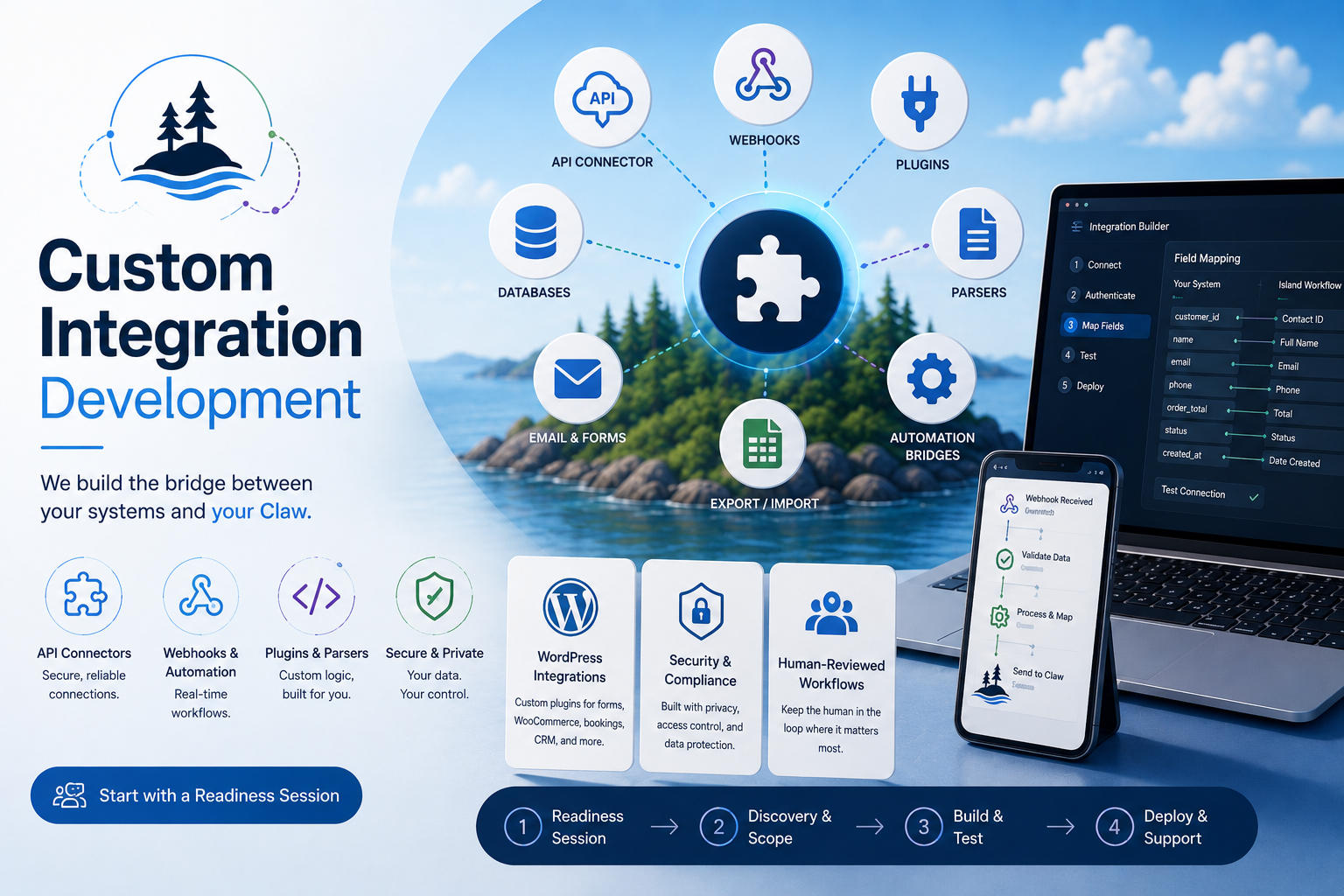
Custom integration development
When the software does not connect cleanly, we can build the bridge.
Island Workflow can scope custom API connectors, webhooks, WordPress plugins, parsers, automation bridges, and human-reviewed handoff systems when an off-the-shelf integration is not enough.
Connect a Claw to WordPress forms, WooCommerce, booking flows, gated assessments, chat handoff, analytics events, and private admin workflows.
Zapier/Make/n8n, webhook, email parser, CSV/export, or spreadsheet workflow.
API auth, field mapping, logs, error handling, and approval workflow.
Bidirectional sync, private plugin, multiple systems, compliance/privacy needs, or admin interface.
Monitoring, minor vendor changes, logs, and small fixes; major vendor/API changes are quoted separately.
Reusable connectors and integration patterns may become Island Workflow IP. Client credentials, private data, configuration, and sensitive business rules remain private to the client.
Cloud-hosted Claws are now in the store
Basic organizes the mess. Pro keeps things moving. Full Build supports the whole workflow.
Each Claw can now be scoped as Cloud-Hosted Basic, Cloud-Hosted Pro, or Self-Hosted / Full Build. Every option requires a paired Runtime package for at least 12 months. Cloud hosting is separate from Runtime: hosting keeps the Claw online; Runtime powers the read, summarize, hand off, and follow-up work it performs.
Setup from CA$2,500 + CA$99/mo Cloud hosting
One painful admin leak gets contained: guided intake, clean summaries, approved Q&A, one handoff destination, safe acknowledgements, and weekly summary.
Setup from CA$4,500 + CA$199/mo Cloud hosting
The loop starts closing: 2–3 intake channels, routing, follow-up/reminder templates, daily/live visibility, status tags, light curated integrations, and better internal handoffs.
From CA$7,500 + required Runtime
The dedicated private Claw system for deeper integrations, custom workflows, stronger privacy/control, approved self-hosted hardware where included, and broader operational depth.
We separate setup, Cloud hosting, and Runtime so small businesses are not forced into one-size-fits-all pricing.
Managed AI Runtime
We manage the AI runtime so clients do not have to.
Island Workflow can handle API setup, model routing, usage controls, billing, uptime/error monitoring, fallback models, prompt/token optimization, and monthly usage review. Clients get the benefit of an operating Claw without needing to understand API keys, provider dashboards, rate limits, or model support.
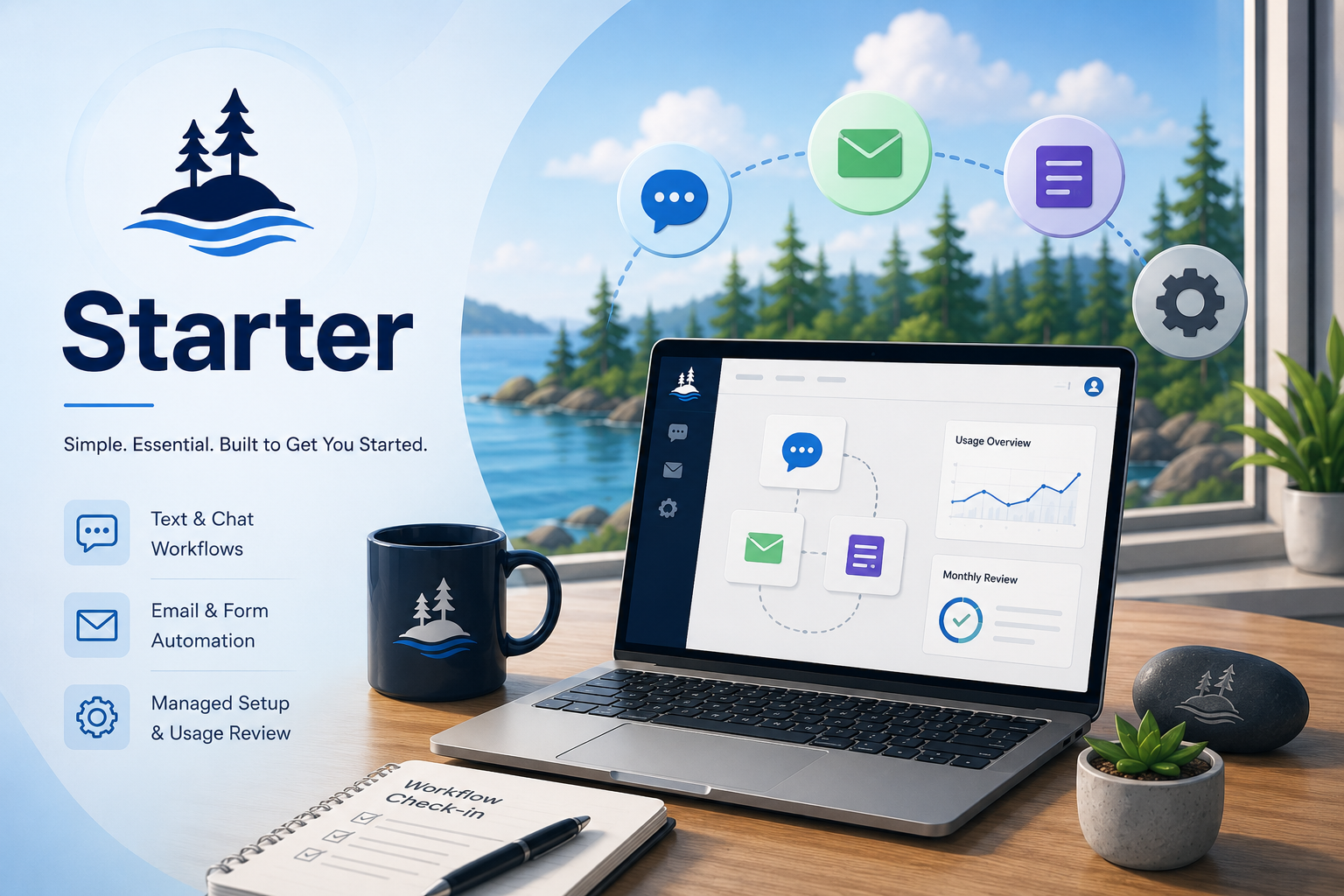 Starter$249 CAD/mo
Low-volume text, chat, email, and form workflows with managed setup and usage review.
View Starter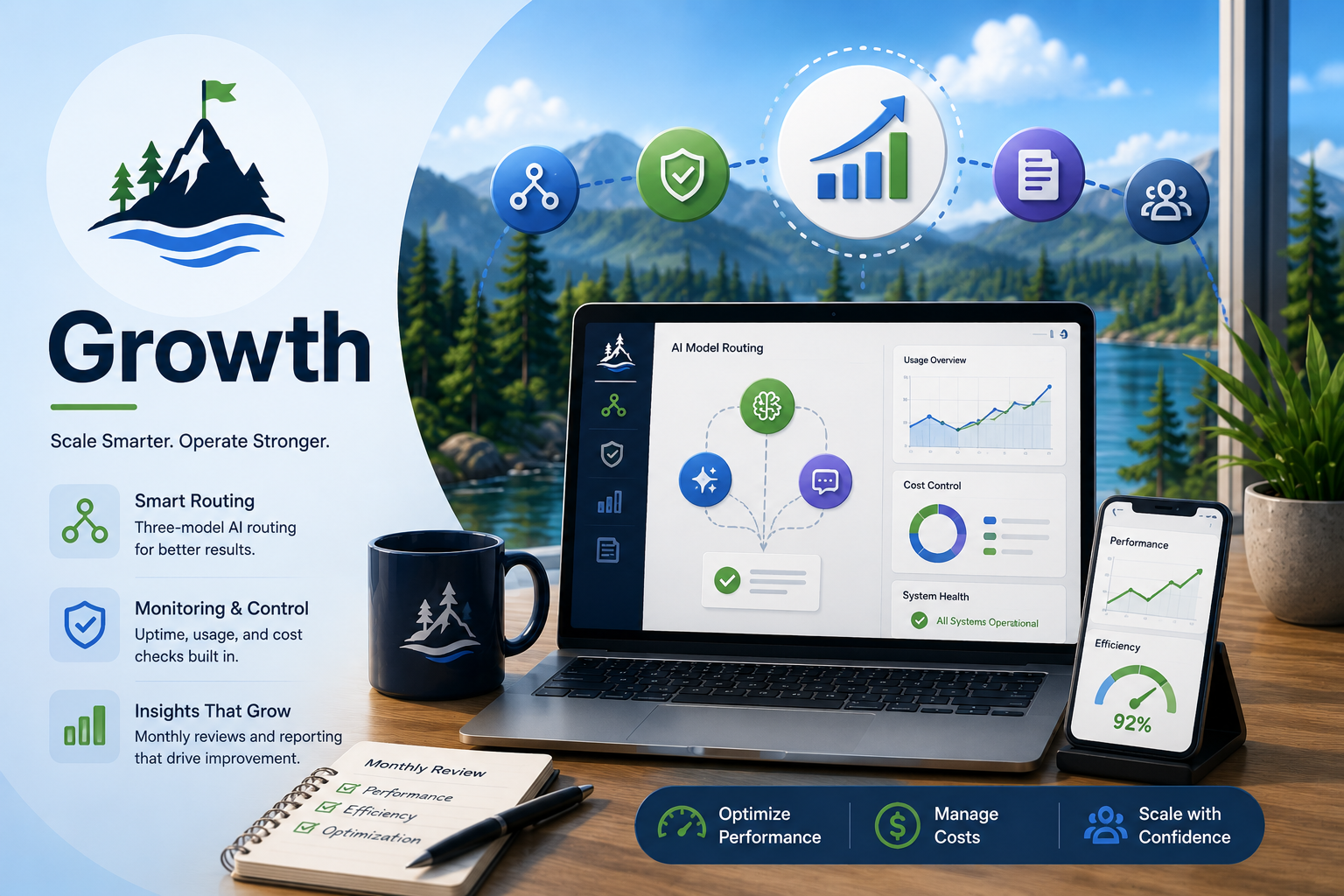 Growth$649 CAD/mo
Most active Claws: three-model routing, monitoring, cost checks, fallback planning, and monthly reporting.
View Growth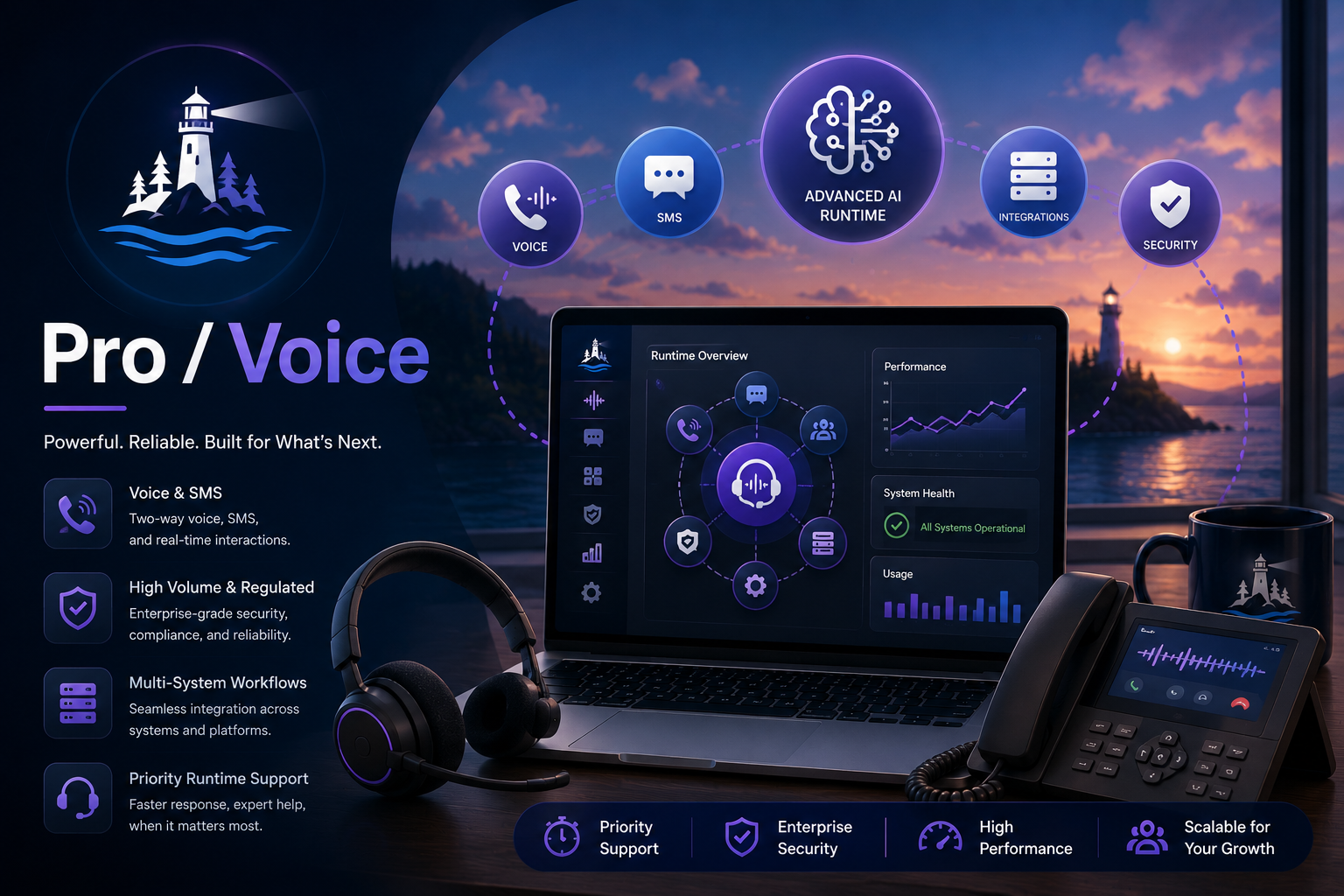 Pro / Voice$1,750 CAD/mo
CallClaw, voice/SMS, high-volume, regulated, or multi-system workflows with priority runtime support.
View Pro / VoicePackages are priced as managed runtime/support, not raw token resale. Usage buffers and final scope are reviewed through Readiness or implementation planning.
Helpful guides
Not sure which Claw fits?
Start with the pressure point. These guides explain the most common places where leads, messages, follow-up, and admin work start slipping through the cracks.
 Island Workflow