
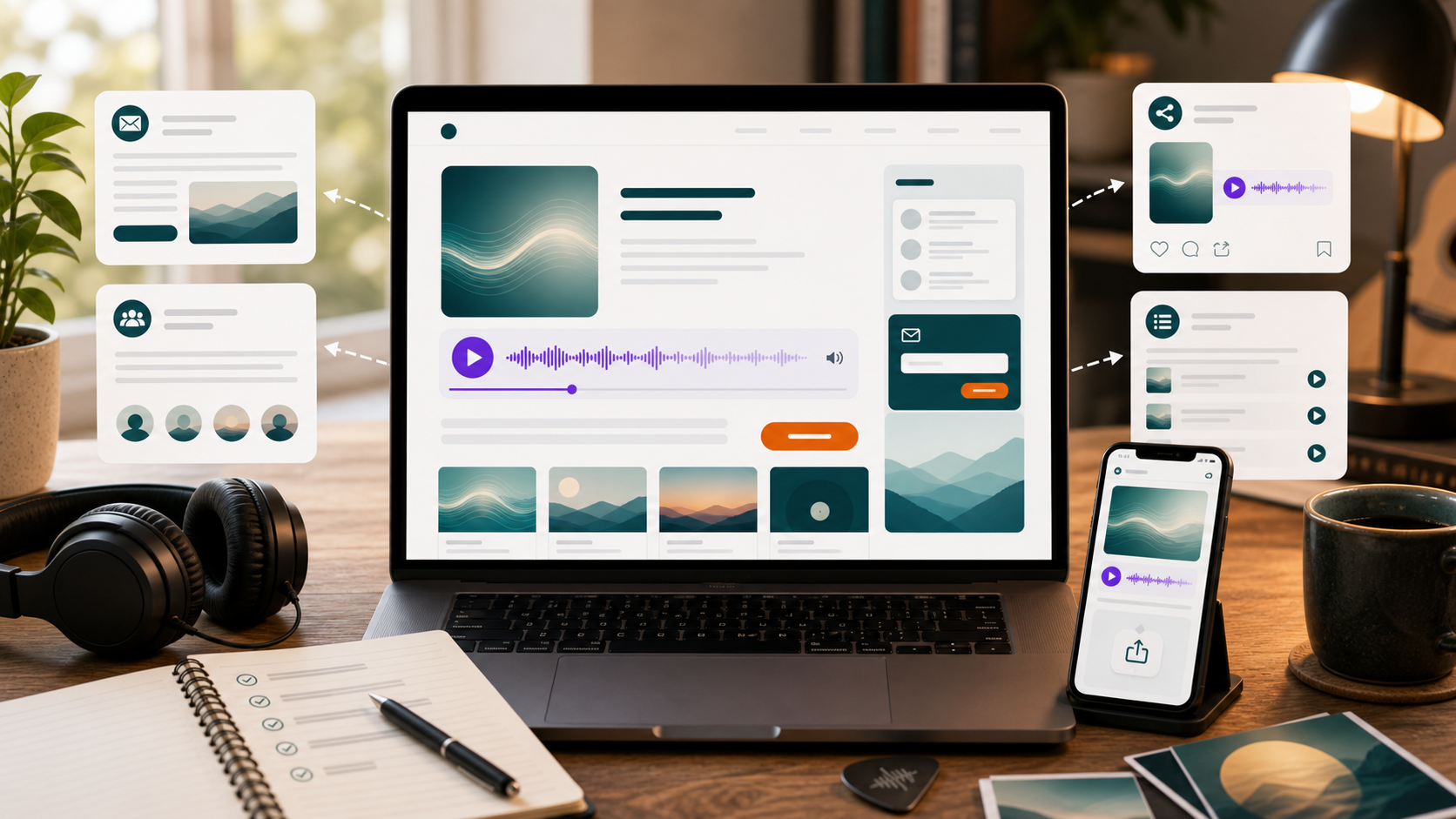
Making a Suno song is the exciting part.
Publishing it is where most creators get stuck.
You make something you actually want people to hear. You listen back a few times. Maybe the hook works. Maybe the vocal surprised you. Maybe the song says something you did not expect it to say.
Then you copy the link and wonder what to do next.
A direct Suno link is fine for quick sharing, but it is not always enough if the song is part of a project, artist identity, playlist, client demo, content campaign, or website.
The real opportunity is to turn the song into something people can find, understand, revisit, and share.
This guide walks through what to do after you create a Suno song: how to prepare it, publish it, give it context, and promote it without treating it like just another loose link.
1. Decide What Kind of Song You Made
Before publishing anything, decide what the song is for.
Not every Suno song needs the same path.
- a finished song
- a demo
- a playlist track
- a fictional artist release
- a podcast intro
- a brand or jingle concept
- a short-form video hook
- a private emotional song
- a client example
- an experiment worth saving
This decision matters because it shapes how you publish it. A finished single might need a song page. A collection might need a playlist. A business example might belong in a portfolio. A fictional artist track might belong on an artist page.
2. Check Your Rights and Usage
Before you publish or monetize, review the rights attached to the song.
Your ability to use a Suno song publicly or commercially may depend on your account type, Suno’s current terms, when and how the song was created, and what you plan to do with it.
This article is not legal advice.
The practical point is simple: if the song is going on a public website, in a campaign, or into a commercial project, make sure your usage is allowed.
It is better to check before you build a page, promote the track, or sell anything around it.
3. Make the Song Public If You Want to Share It
If you want other people to listen through a public link or website player, the song needs to be publicly shareable.
Public songs are the right fit for a publishing workflow. Private songs are better treated as drafts, personal references, or material you are not ready to share.
If you plan to publish the song on WordPress with IW Player for Suno, use a public Suno song link.
4. Give the Song a Real Title
A title is part of publishing.
A weak title makes the song feel like an experiment. A strong title gives people something to remember, search, and share.
- the chorus hook
- the strongest phrase in the lyric
- the emotional turn of the song
- a memorable image
- the fictional artist or project concept
- the use case, if it is functional music
For example, “Sad Rock Song 4” feels unfinished. “I Don’t Want You Back, I Just Miss the Weather” feels like a song.
5. Write a Short Description
Do not publish the song with no context.
A short description helps listeners know what they are hearing and why it exists.
Use two to four sentences:
- what the song is
- what mood or genre it explores
- what inspired it
- where the listener should go next
A mid-tempo AI-assisted indie rock track about realizing that a creative tool did not ruin music; it helped someone find a voice. This is part of an ongoing fictional artist project exploring technology, memory, and self-expression.
6. Choose the Right Publishing Home
There are several places a Suno song can live. The best choice depends on the song.
- a direct Suno link for quick sharing
- a single-song landing page
- a WordPress artist page
- a playlist page
- a blog post or behind-the-song article
- a portfolio page
- a client demo page
- a YouTube Short or music video
- an email newsletter
- a broader campaign page
The mistake is assuming every song should be published the same way.
7. Build a Song Page
If the song is important, give it its own page.
- the embedded song player
- song title
- artist or project name
- description
- lyrics
- cover image
- genre and mood
- prompt or creation notes
- related songs
- email signup
- download or purchase option if rights allow it
A song page gives the track a home. It also gives search engines and visitors more context than a plain link.
8. Add the Song to Your WordPress Site
If you use WordPress, IW Player for Suno lets you publish public Suno songs on your own site with a clean embedded player.
The basic workflow is simple:
- Make sure the Suno song is public.
- Copy the public Suno song link.
- Add it to WordPress with IW Player for Suno.
- Place the player on a page or post.
- Publish and test the page.
No Suno API key is required for the basic public-link workflow. No Suno login is required for that basic workflow either.
9. Create an Artist Page or Playlist Page
If you have more than one song, do not make people hunt through scattered links.
Create a page that organizes the project.
An artist page is useful when you are building a name, identity, or fictional act around the music. A playlist page is useful when songs belong together by mood, genre, use case, or release concept.
- cinematic AI rock songs
- focus music for writing
- comedy songs
- podcast intro demos
- brand jingle concepts
- album drafts
- short-form video hooks
Organization makes the music feel more intentional.
10. Add Lyrics and Notes
Lyrics and notes do more than fill space.
They help people understand the song. They also create searchable text around the music.
- why you made the song
- what the chorus means
- what style you were aiming for
- what prompt approach you used
- how the song fits the project
- what song people should hear next
A song with context is easier to care about than a song with no frame around it.
11. Make a Short Video or Visual
A short video can help the song travel.
This does not need to be complicated. You can create a 10 to 30 second clip with a visual, captions, and a clear link back to the song page.
- the chorus hook
- a lyric moment
- a behind-the-song teaser
- a visualizer
- a launch announcement
- a before-and-after prompt concept
The video should send people somewhere useful, not just back into a feed.
12. Share the Page, Not Just the Song
Once the song has a page, share the page.
That page can give listeners the player, the lyrics, the story, related songs, and a next step.
- Reddit, where allowed
- Quora posts or answers
- YouTube descriptions
- email newsletters
- your artist or project site
- creator communities
When sharing in communities, follow the rules. Some groups allow song sharing but not tool promotion. Some allow resources only in megathreads. Respect that.
13. Give People a Reason to Come Back
Publishing is not only about one song.
If you plan to keep creating, build a repeat-visit habit.
- new songs
- new playlists
- behind-the-song notes
- prompt breakdowns
- artist page updates
- download offers
- music videos
- email updates
This is where a website becomes more powerful than a single link. It becomes the place where the project keeps growing.
A Simple Post-Creation Checklist
- Decide what kind of song it is.
- Check rights and usage.
- Make it public if you want to share it.
- Give it a real title.
- Write a short description.
- Choose a publishing home.
- Create a song page if the track matters.
- Add the song to WordPress if you want visitors to listen on your site.
- Add lyrics, notes, or context.
- Create a short visual or video if useful.
- Share the page in the right places.
- Update the page or playlist over time.
Download the Free Plugin
If you want to publish public Suno songs on your own WordPress site, start with IW Player for Suno Free.
It helps creators add public Suno song links to WordPress and display them with a clean embedded player.
A Note About Suno and Third-Party Platforms
IW Player for Suno works with public Suno song links as they are available today.
Island Workflow actively maintains its tools where there is demand, but third-party platform behavior can change. A plugin can help you publish public Suno songs on WordPress, but it cannot control Suno’s future features, platform changes, media availability, or third-party behavior.
IW Player for Suno is made by Island Workflow. It is not affiliated with, endorsed by, or sponsored by Suno.
Final Thought
Creating a Suno song is the beginning.
Publishing is how the song finds its place.
A public link is useful, but a song page, artist page, playlist, or website hub can make the music feel more finished. It gives listeners context. It gives the project structure. It gives people a reason to stay, share, and come back.
If you made a song worth hearing, give it somewhere worth living.
 Island Workflow